
How to update/ edit your business profile?
The Business Profile is the central place where you can manage your business information used across Upmetrics. As your business evolves, you can update your profile at any time to keep your business details accurate and up to date.
You can update your profile by chatting with AI or manually reviewing and editing each section. The AI will revise your Business Profile based on the information you provide, and you can fine-tune any details before moving forward with your business plan.
NOTE: Updates you make to your Business Profile won't automatically appear in an already-generated business plan. To reflect the latest changes, you'll need to reset your business plan and regenerate it with AI.
Steps to update your Business Profile
- 1
-
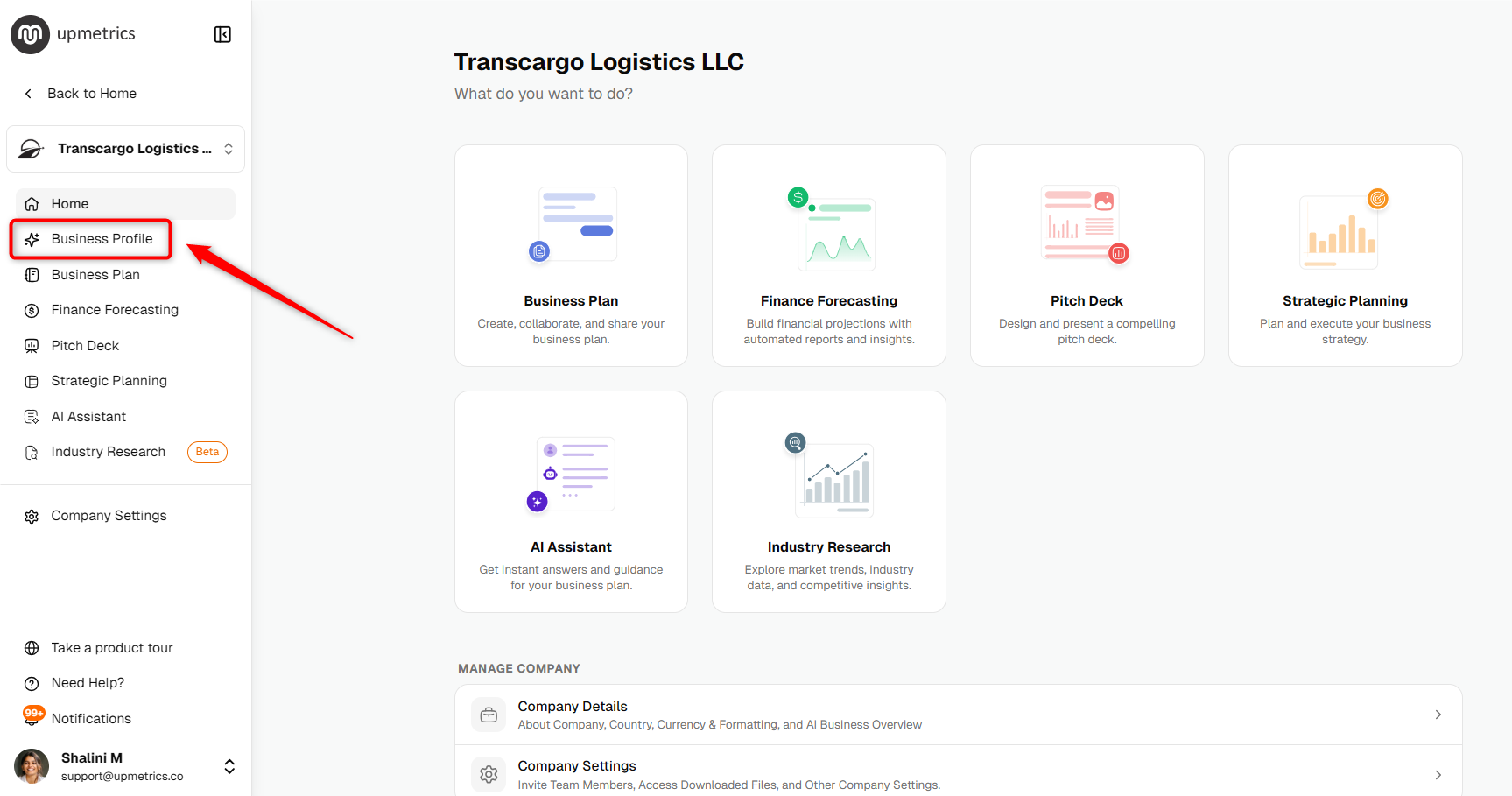
Open your company and click on Business Profile from the left sidebar.
- 2
-
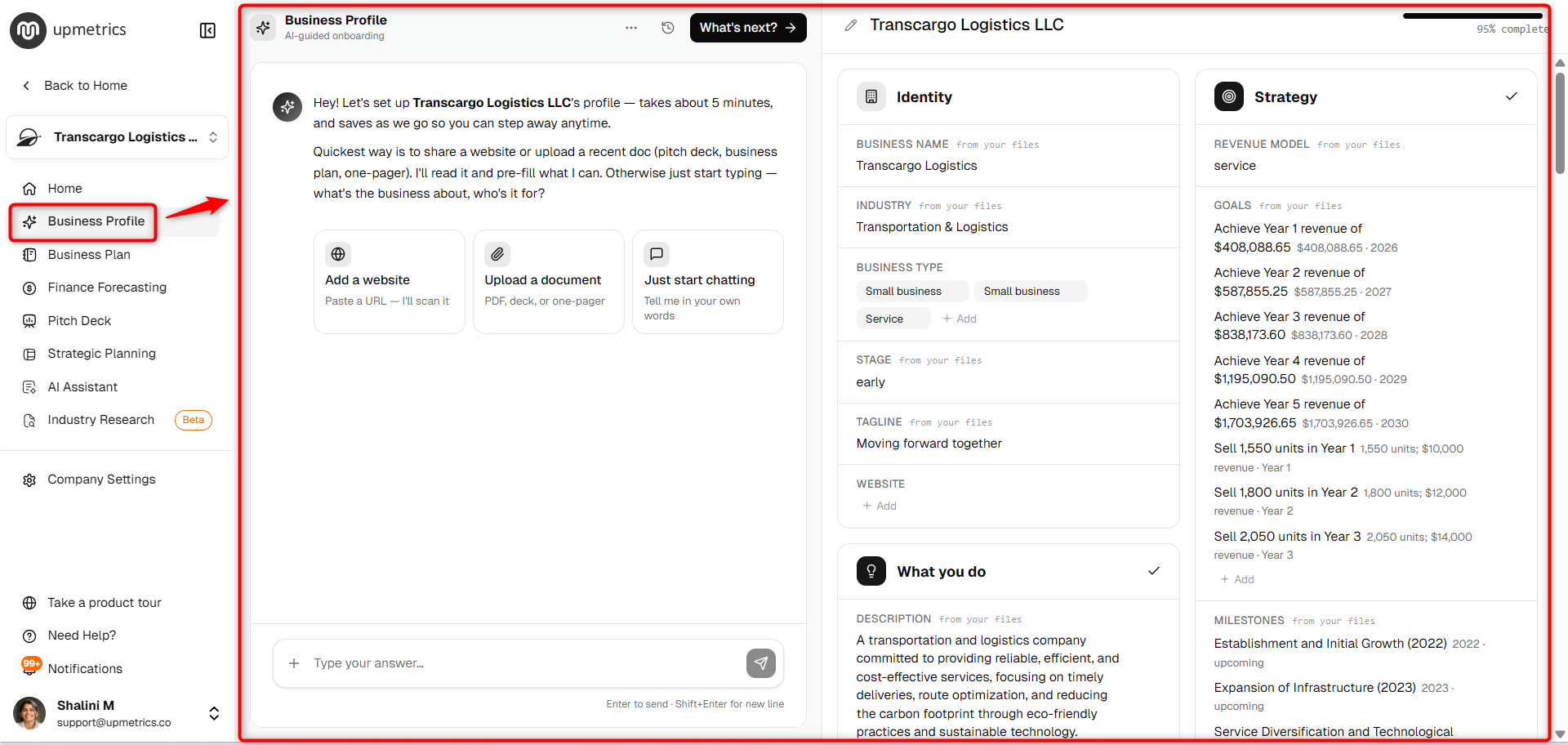
In the Business Profile section, enter the details you want to update. Describe the changes in natural language, and the AI will update your Business Profile accordingly.
- 3
-
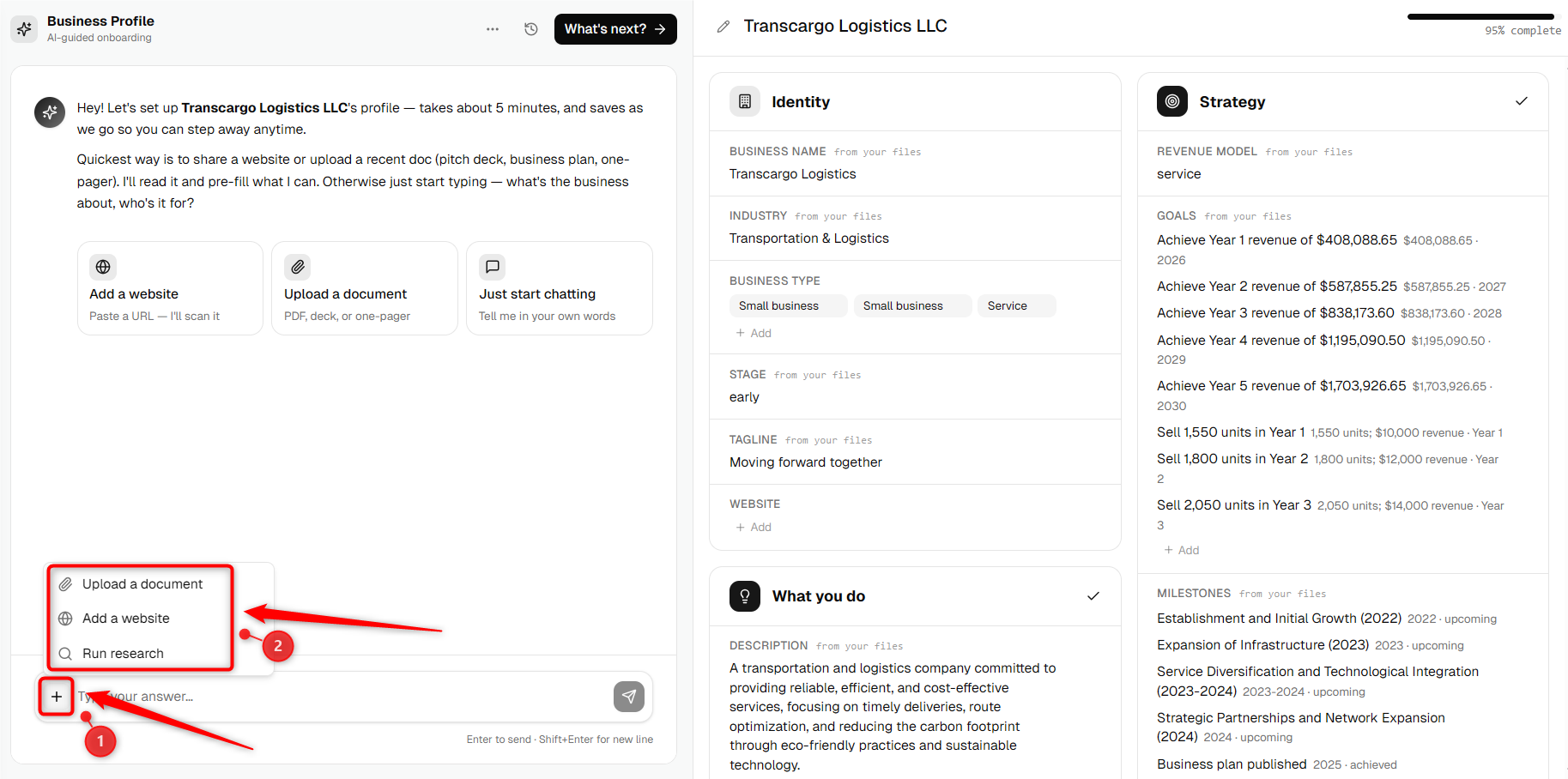
Click on the + sign in the chat bar and you can upload the documents, website or run research online.
- 4
-
Once the AI updates your profile, Review each section of your Business Profile from the right side and make any manual changes if needed. You can update information such as your business identity, description, target audience, products, competition, operations, funding, strategy, and more.
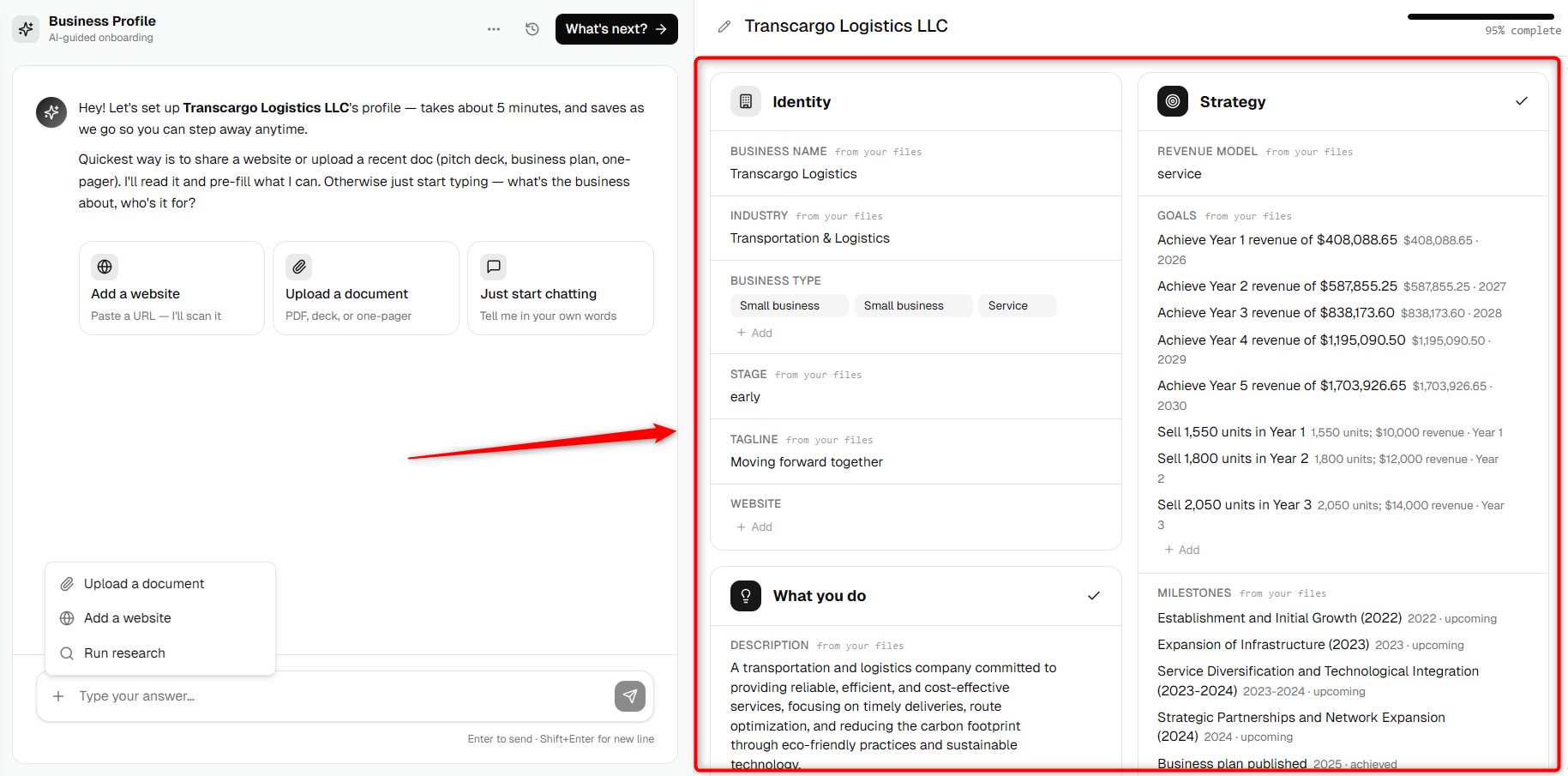
TIP: Use the AI chat to quickly update multiple business details at once, then switch to The Right side to review and fine-tune individual sections before continuing.
Once your Business Profile is updated, you can continue creating or regenerating your AI-assisted Business Plan using the latest business information.